Account Settings
Updating Your Username
Change your DeFi Orbit username anytime from your account settings.
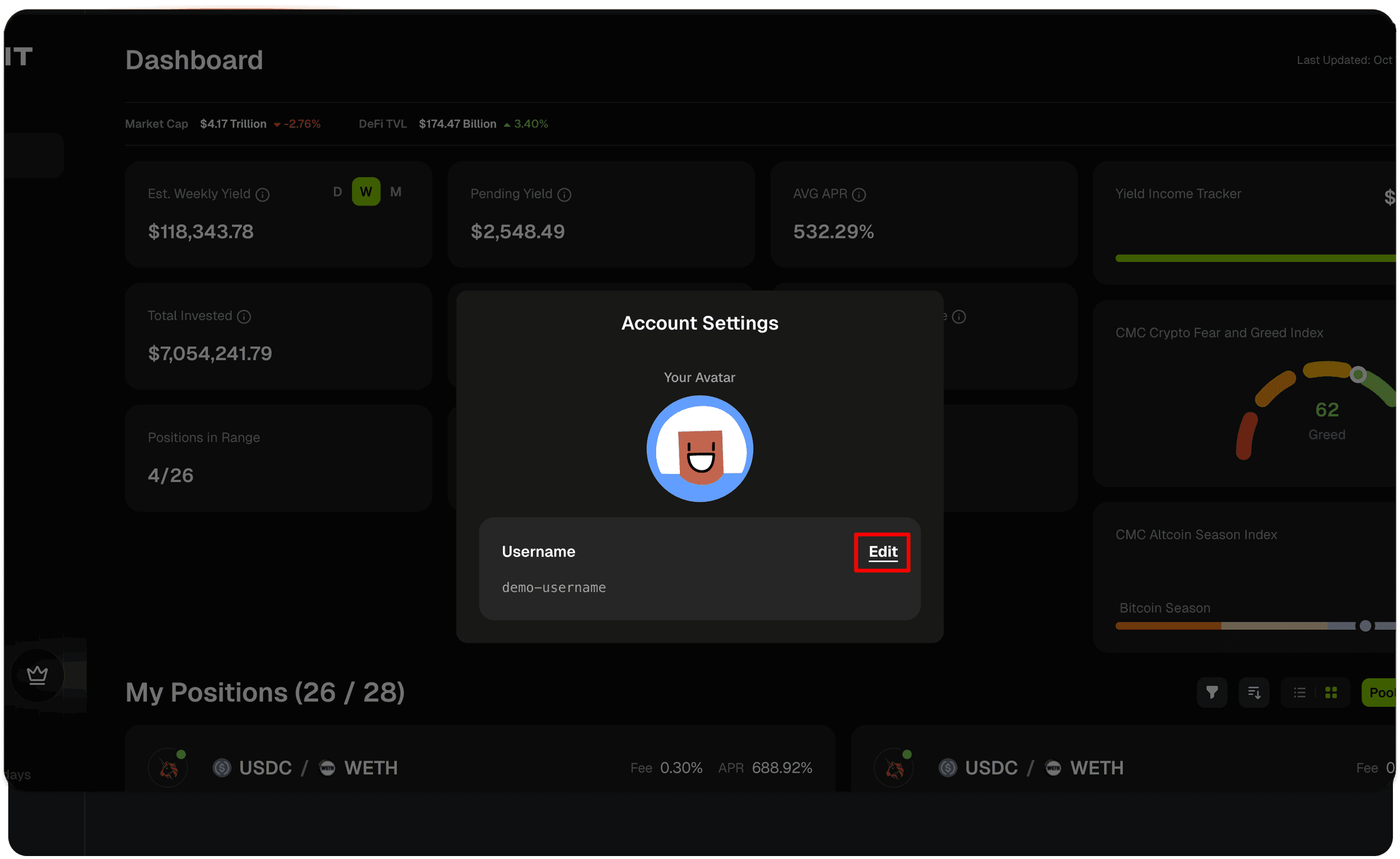
How to Update Your Username
Click on your current username in the top navigation
Select "Settings" from the dropdown menu
Find the username field
Enter your new username
Click "Save" to confirm the change
Your new username will be updated immediately across the platform.
Username Requirements
Your username must follow these rules:
Requirement | Rule | Examples |
|---|---|---|
Length | Maximum 20 characters | Valid: |
Characters | Letters, numbers, underscores, hyphens only | Valid: crypto-lp_pro | Invalid: crypto lp! |
Spaces | No spaces allowed | Valid: defi_orbit | Invalid: defi orbit |
Start Character | Must start with a letter or number | Valid: trader123 | Invalid: _trader |
Uniqueness | Only one user can have each username | If taken, you'll need to choose another |
Tips for Choosing a Username
Keep it simple - Shorter usernames are easier to remember and share
Make it unique - Add numbers or underscores if your preferred name is taken
Avoid special characters - Stick to letters, numbers, underscores, and hyphens
Choose wisely - While you can change your username anytime, consistency helps with community recognition
Common Issues
Issue | Description |
|---|---|
Username already taken | Someone else is using that username. Try adding numbers, underscores, or slight variations. |
Invalid characters | Remove any spaces, special characters, or symbols. Only use letters, numbers, underscores (_), and hyphens (-). |
Username too long | Reduce your username to 20 characters or fewer. |
Must start with letter or number | Usernames cannot start with underscores or hyphens. Start with a letter (a-z, A-Z) or number (0-9) instead. |
Join our Discord Server
Any other questions? Get in touch