

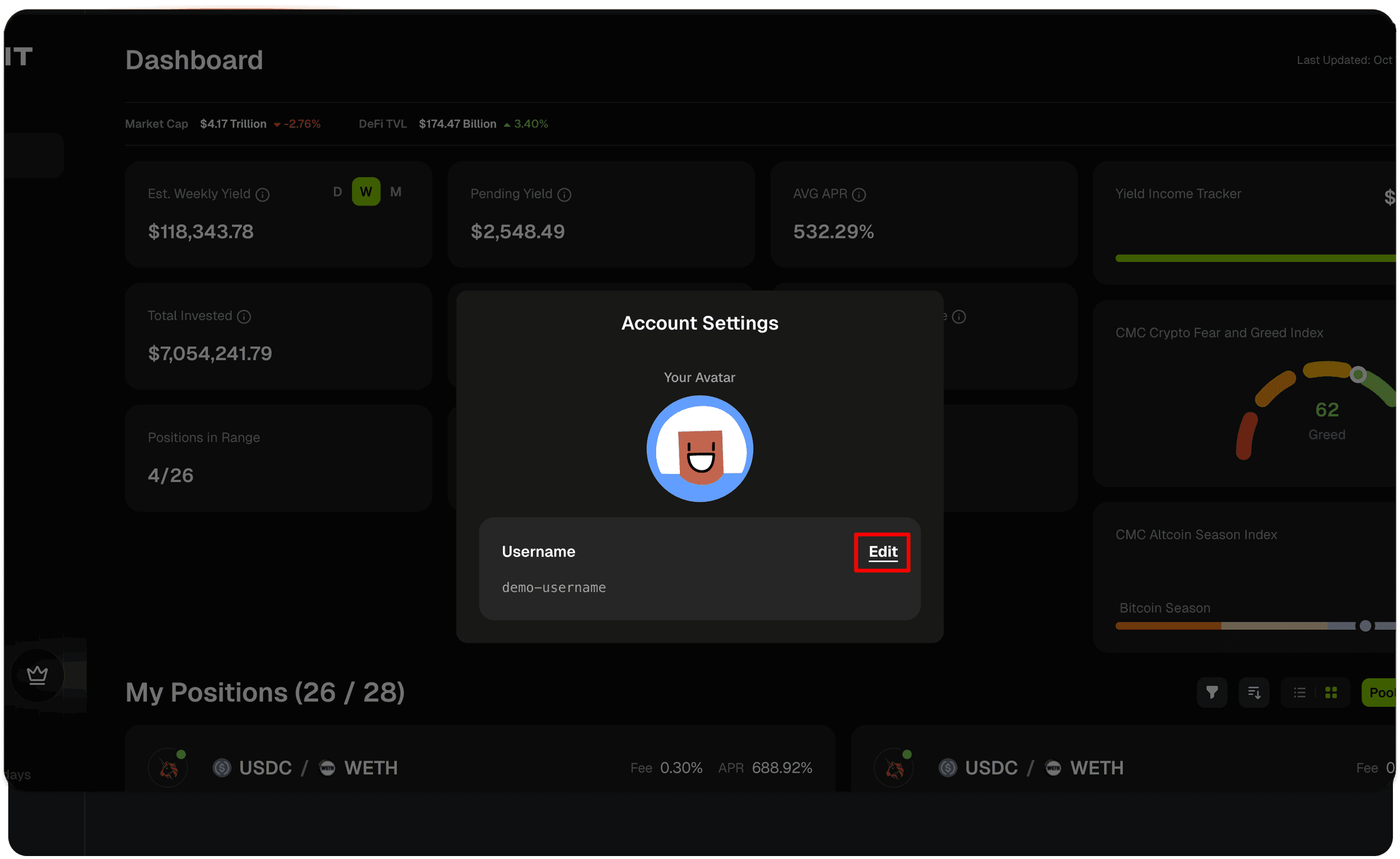
How to Update Your Username
- Click on your username/avatar at the bottom of the sidebar
- Select Settings from the menu to open the Account Settings dialog
- Click Update Username
- Enter your new username—we’ll check availability as you go
- Save to confirm the change